oluncheer

For clubs & committees

The club & committee guide

Everything your committee needs to run volunteering on Voluncheer — signing up, setting your club's page up, making the QR code for your sign-in table, and approving hours. 21 slides, and nobody has to present it to you.

Download the PDF(4.5 MB)

Or just scroll — the whole guide is on this page.

Slides are wide. Tap any slide to open it full size, or download the PDF to read it properly.
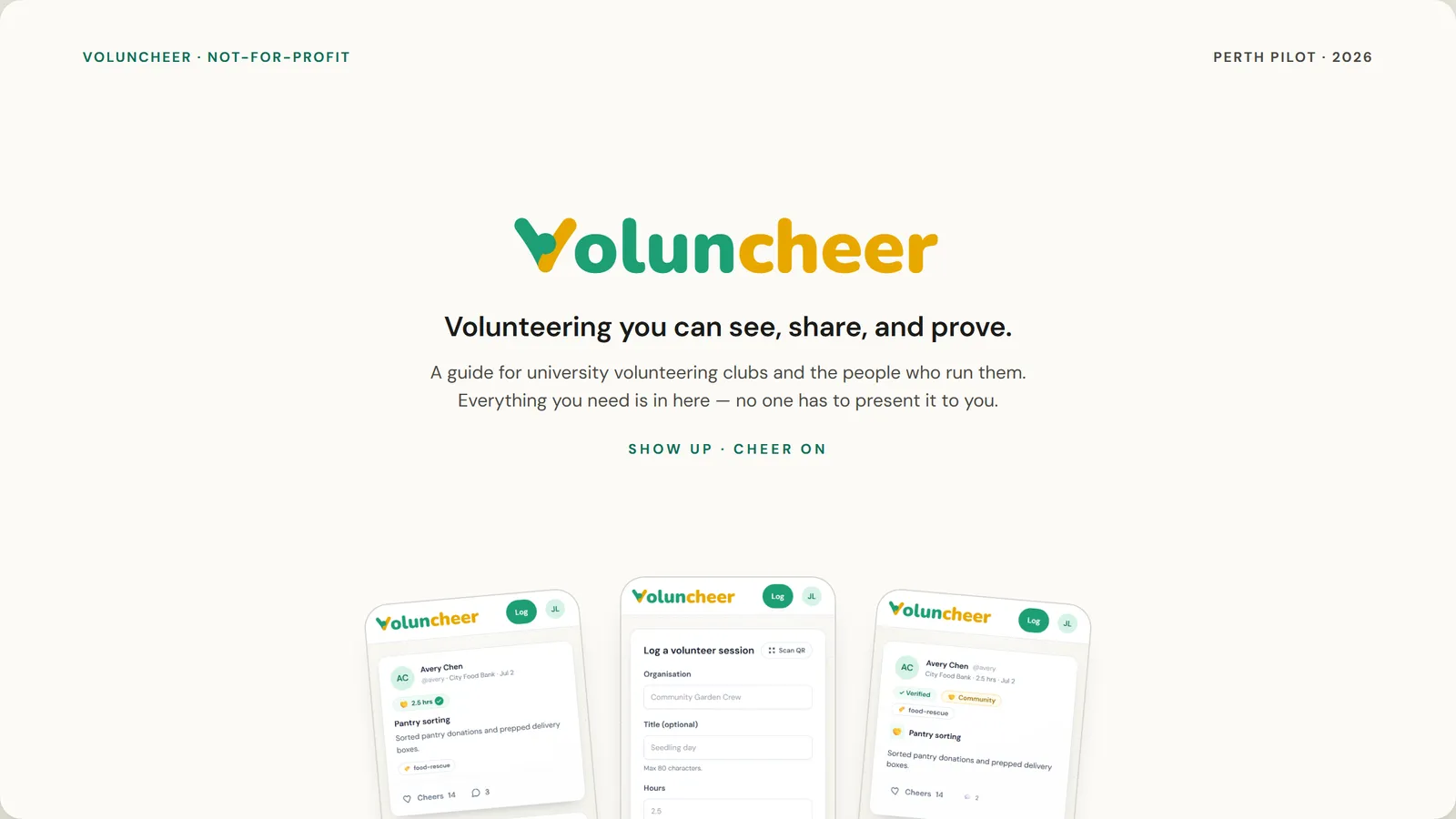
  1. Slide 1 of 21: Volunteering you can see, share, and prove.
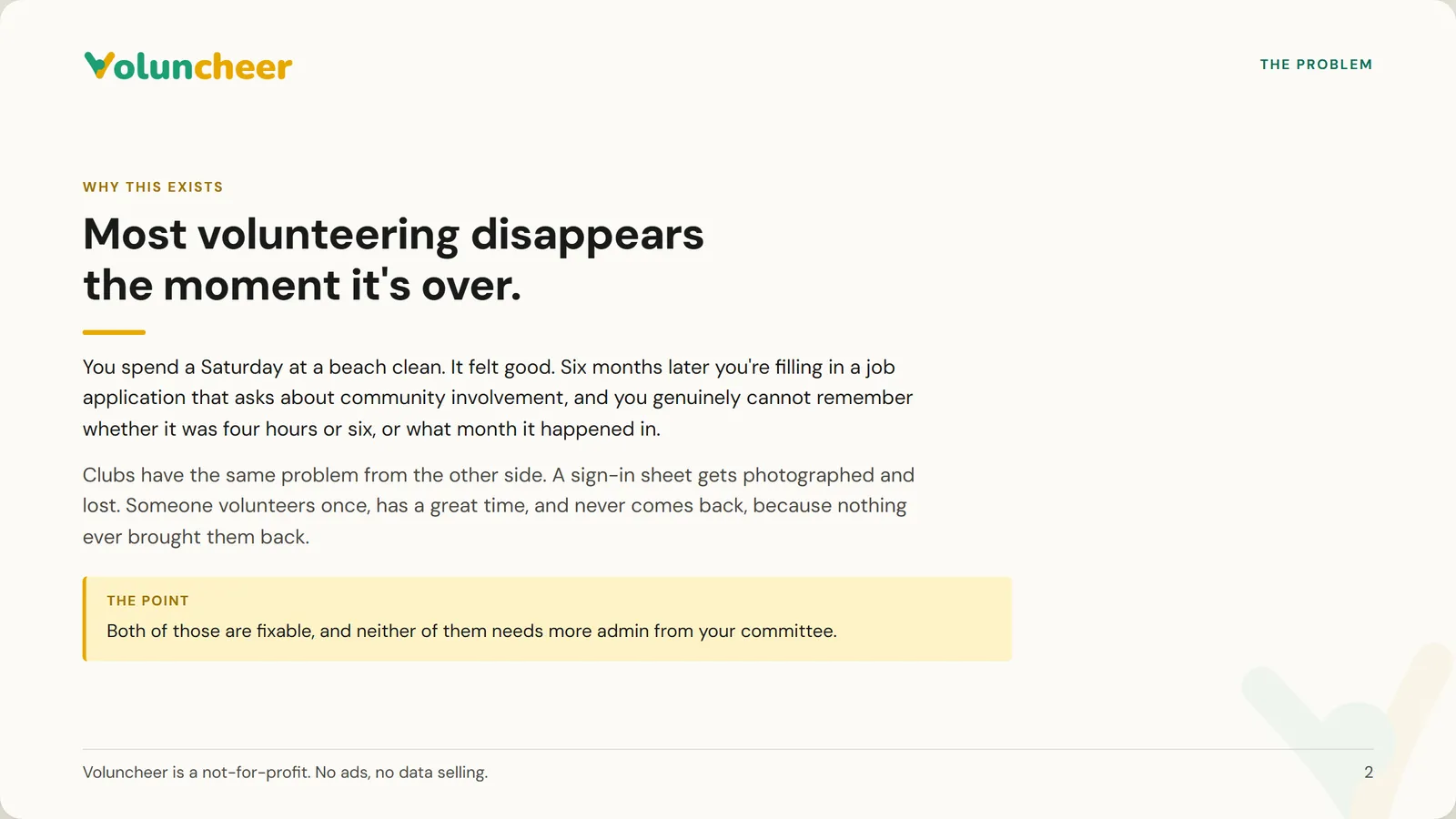
  2. Slide 2 of 21: Most volunteering disappears the moment it's over.
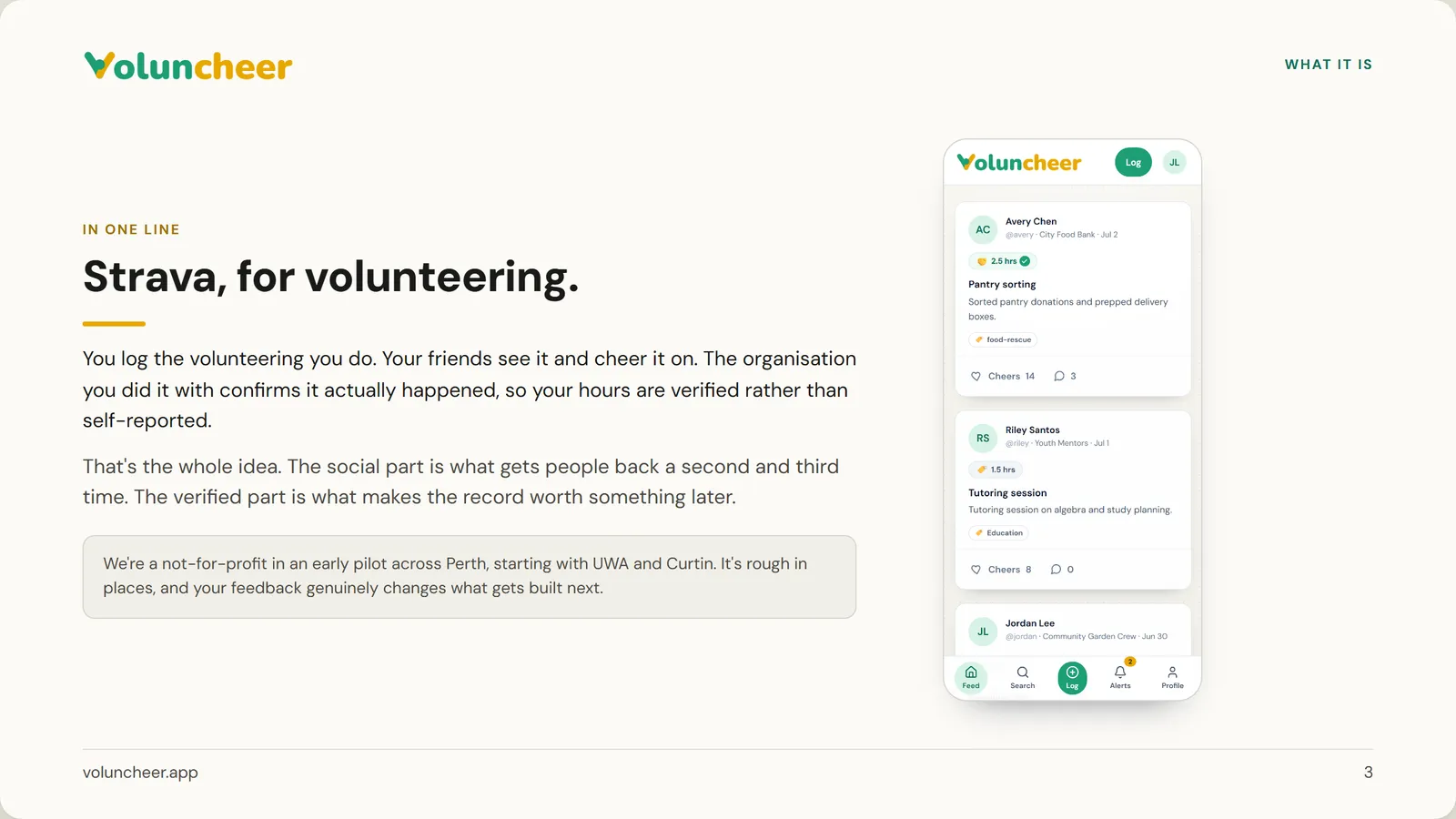
  3. Slide 3 of 21: Strava, for volunteering.
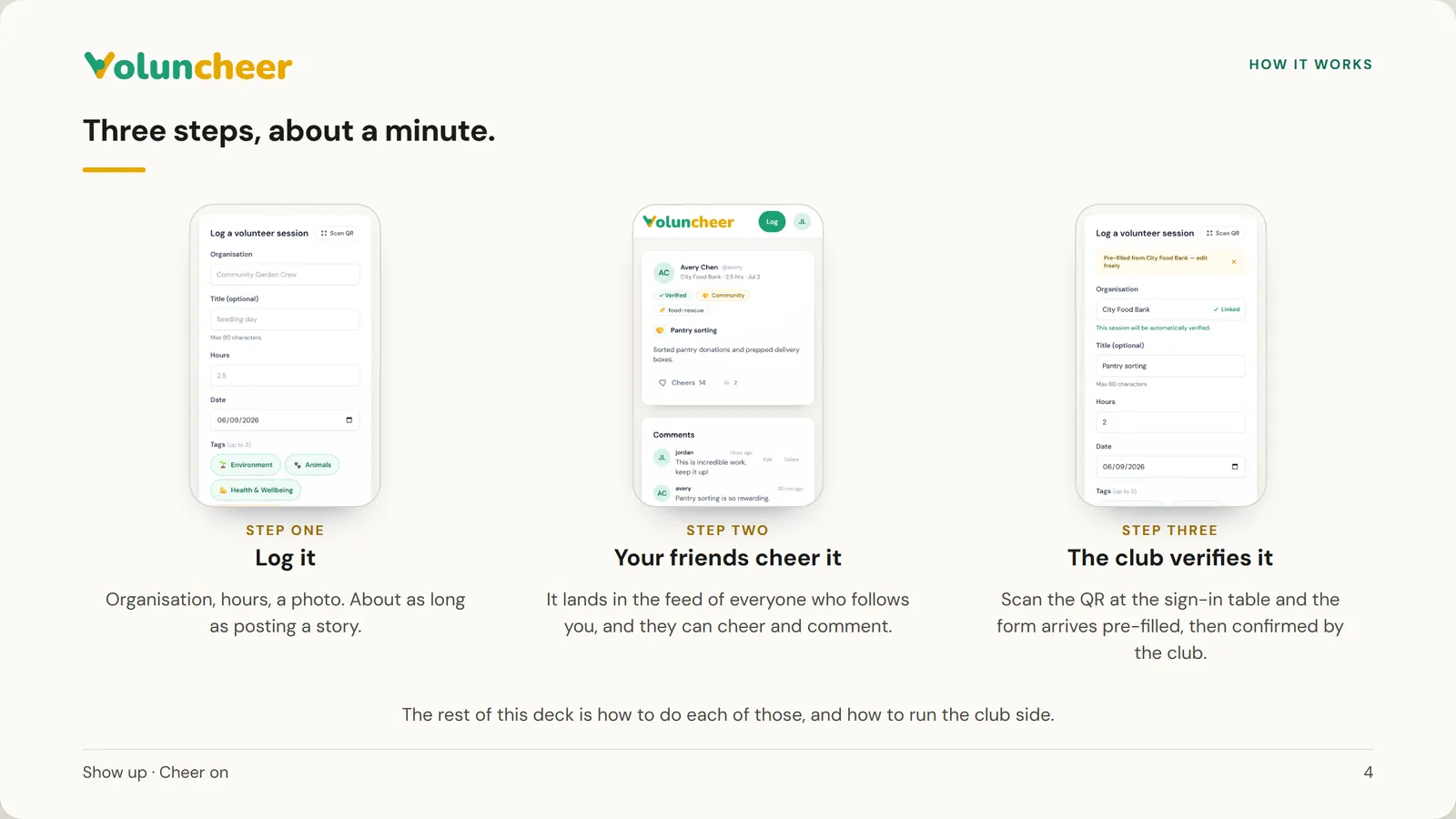
  4. Slide 4 of 21: Three steps, about a minute.
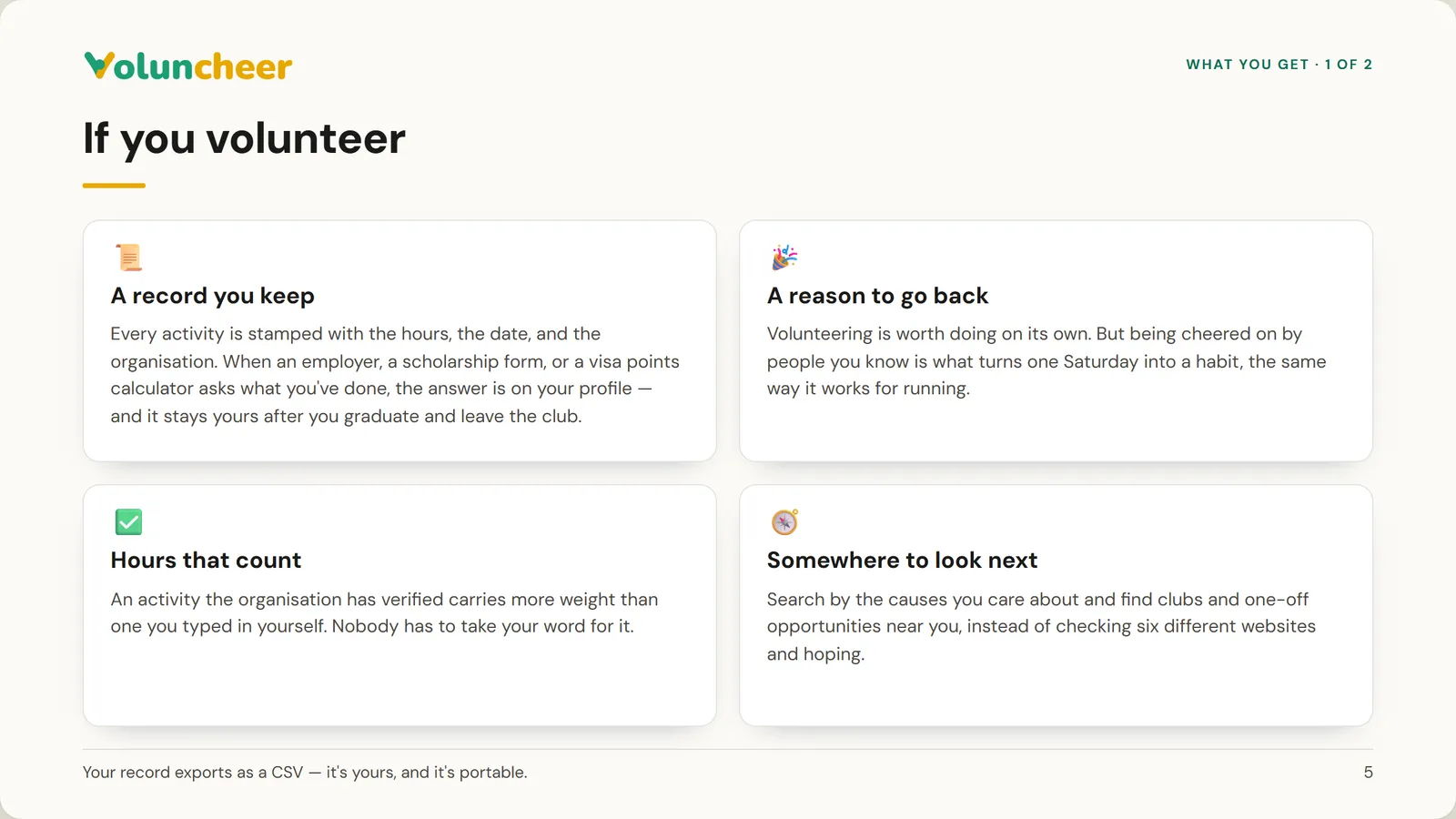
  5. Slide 5 of 21: If you volunteer
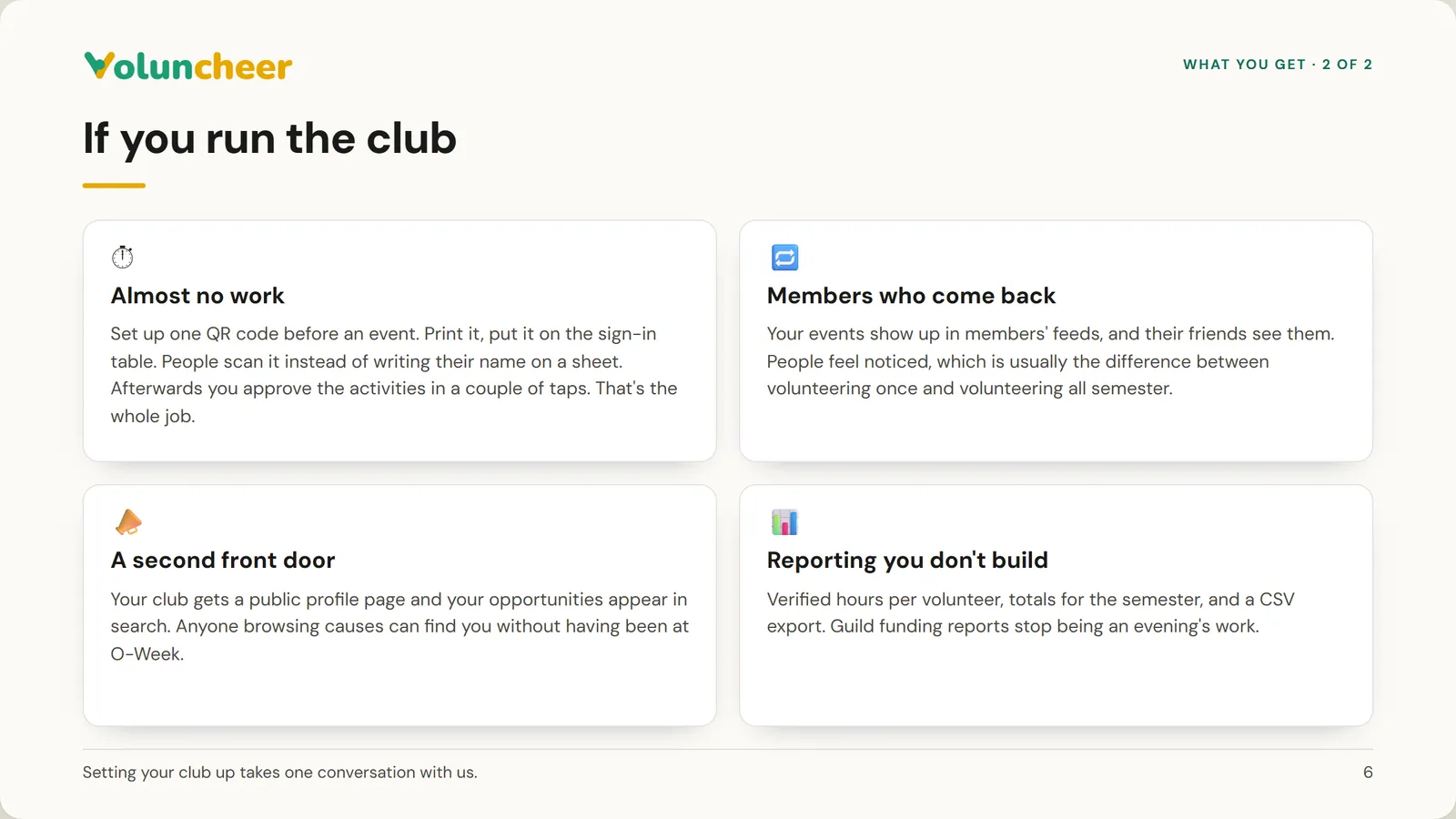
  6. Slide 6 of 21: If you run the club
  7. Slide 7 of 21: Getting started
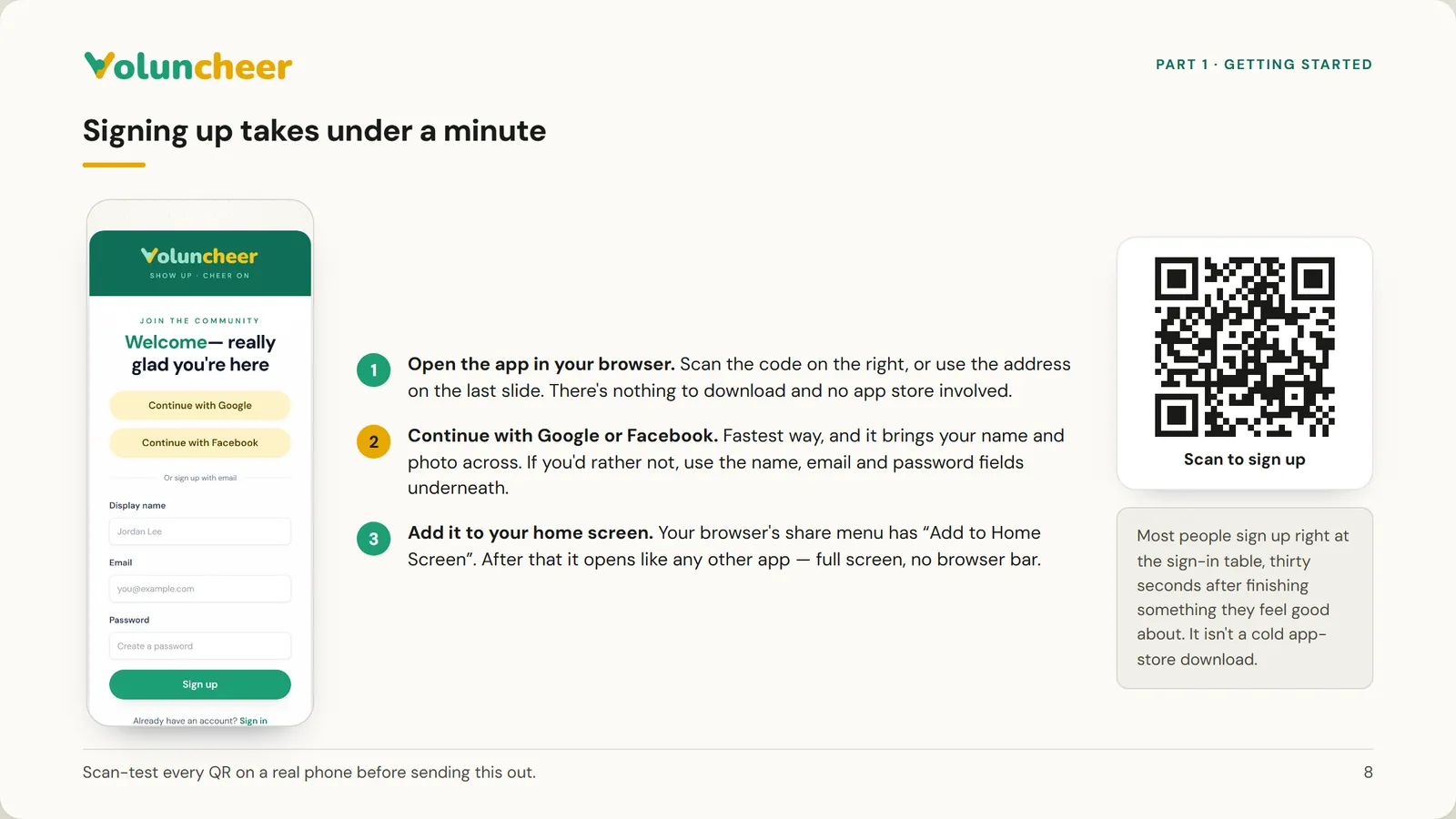
  8. Slide 8 of 21: Signing up takes under a minute
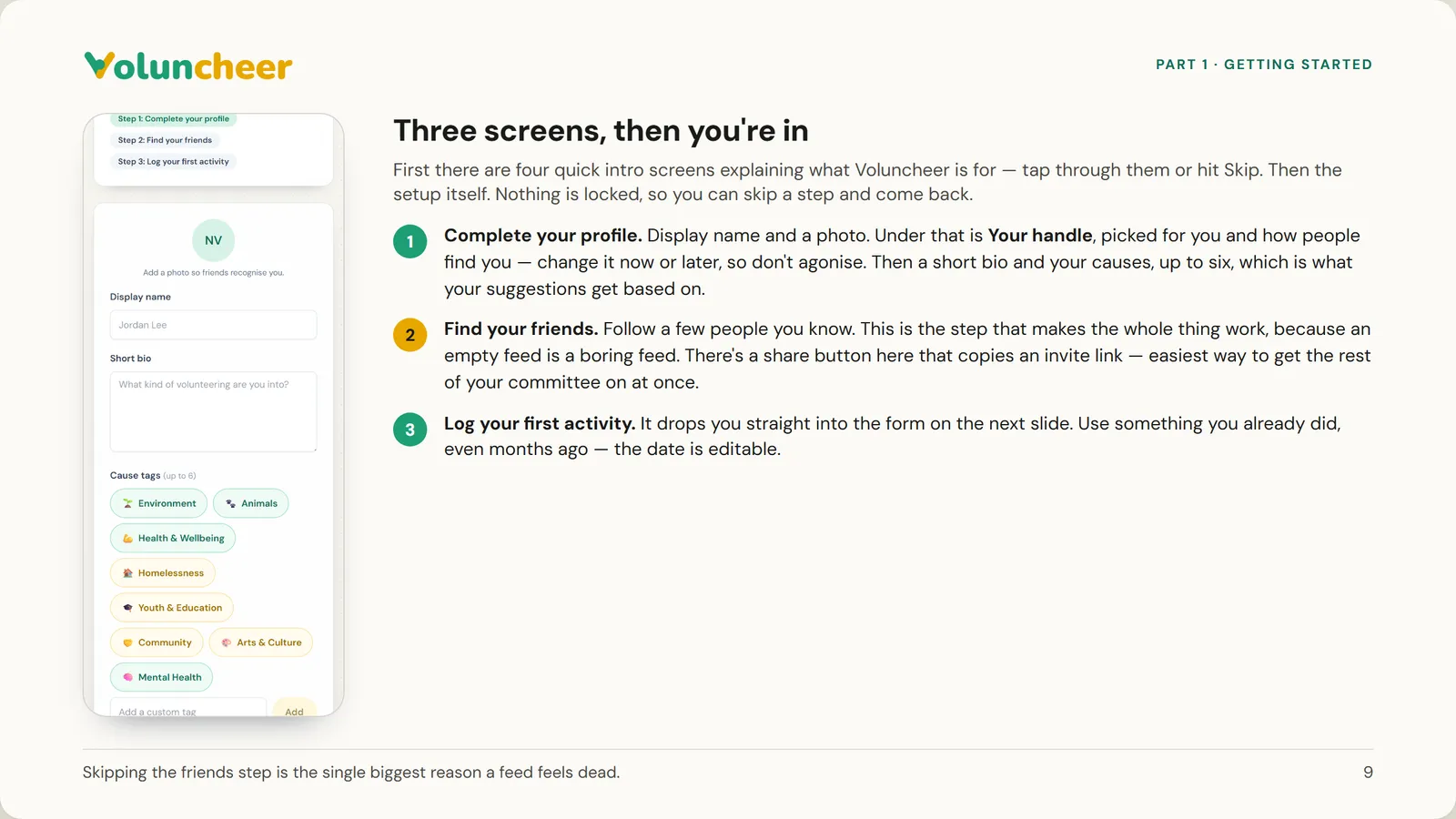
  9. Slide 9 of 21: Three screens, then you're in
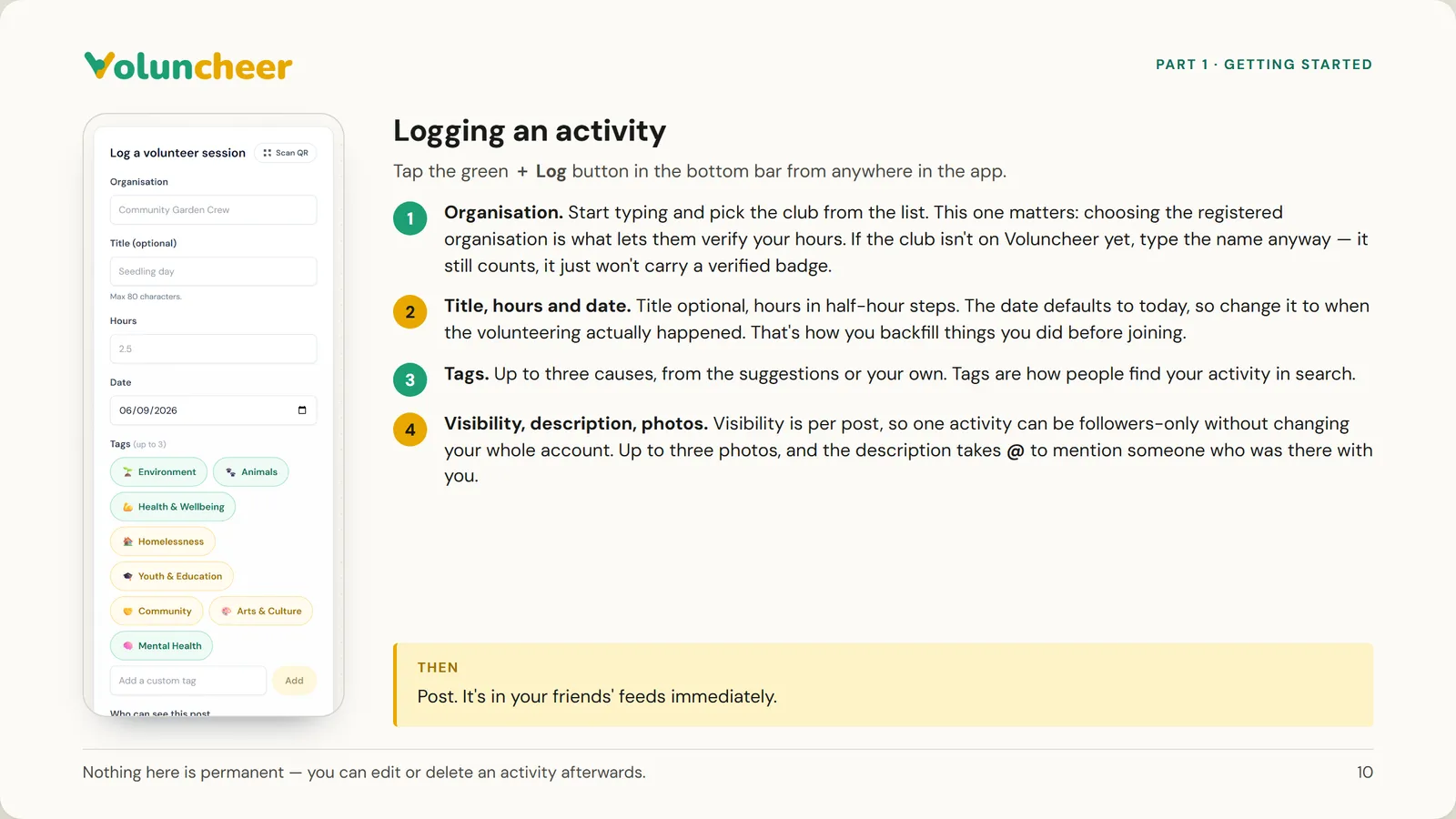
  10. Slide 10 of 21: Logging an activity
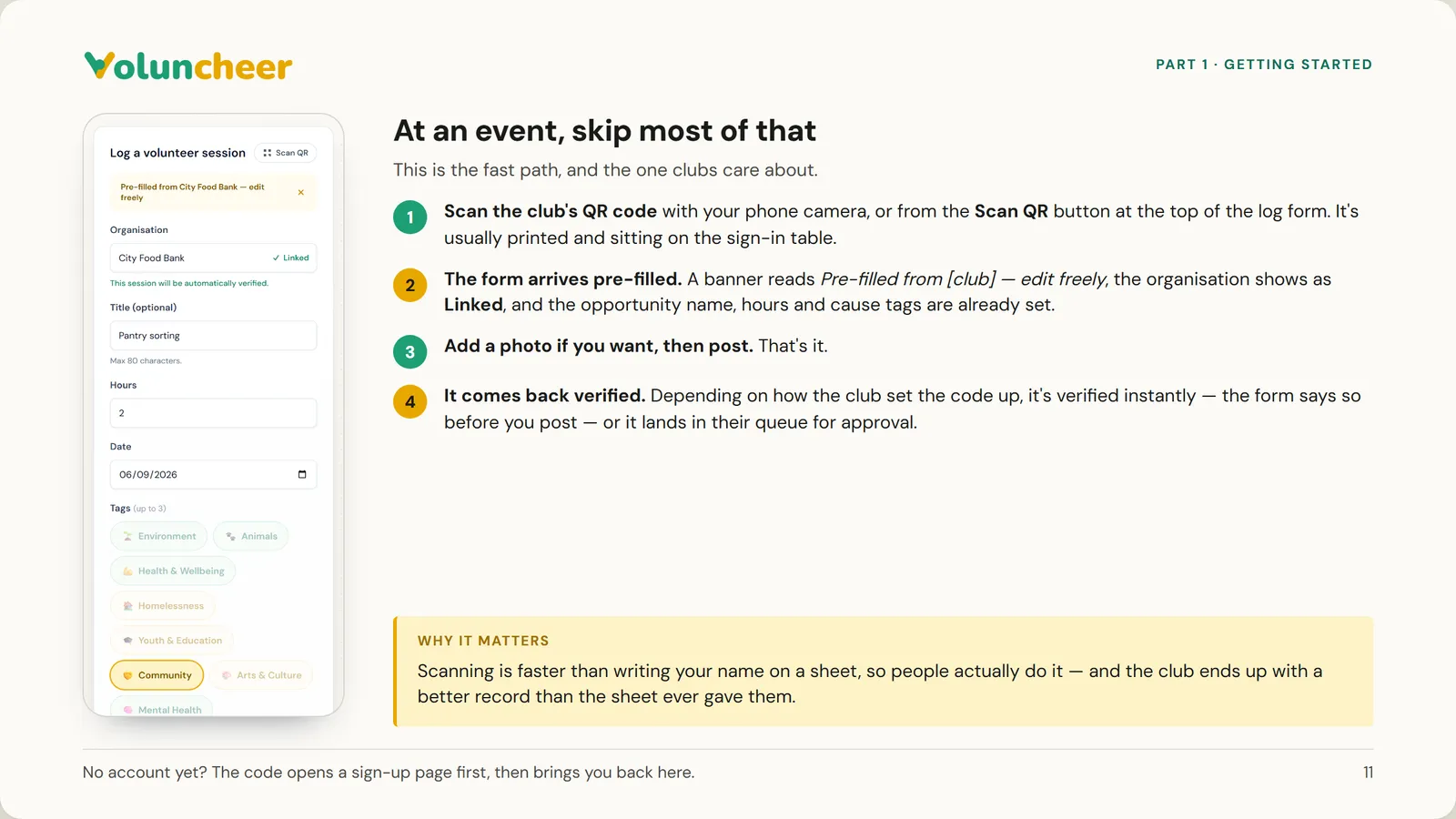
  11. Slide 11 of 21: At an event, skip most of that
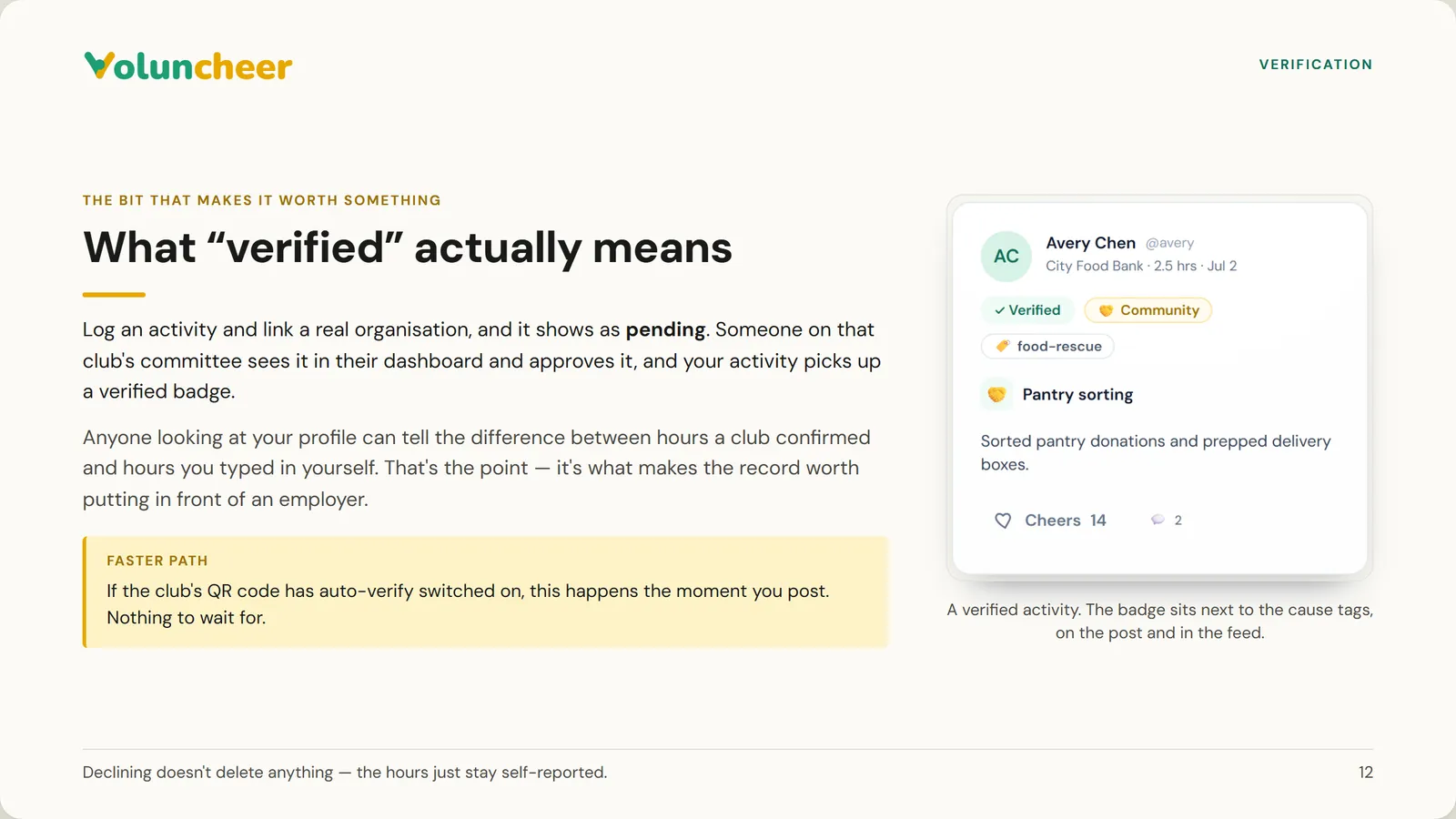
  12. Slide 12 of 21: What “verified” actually means
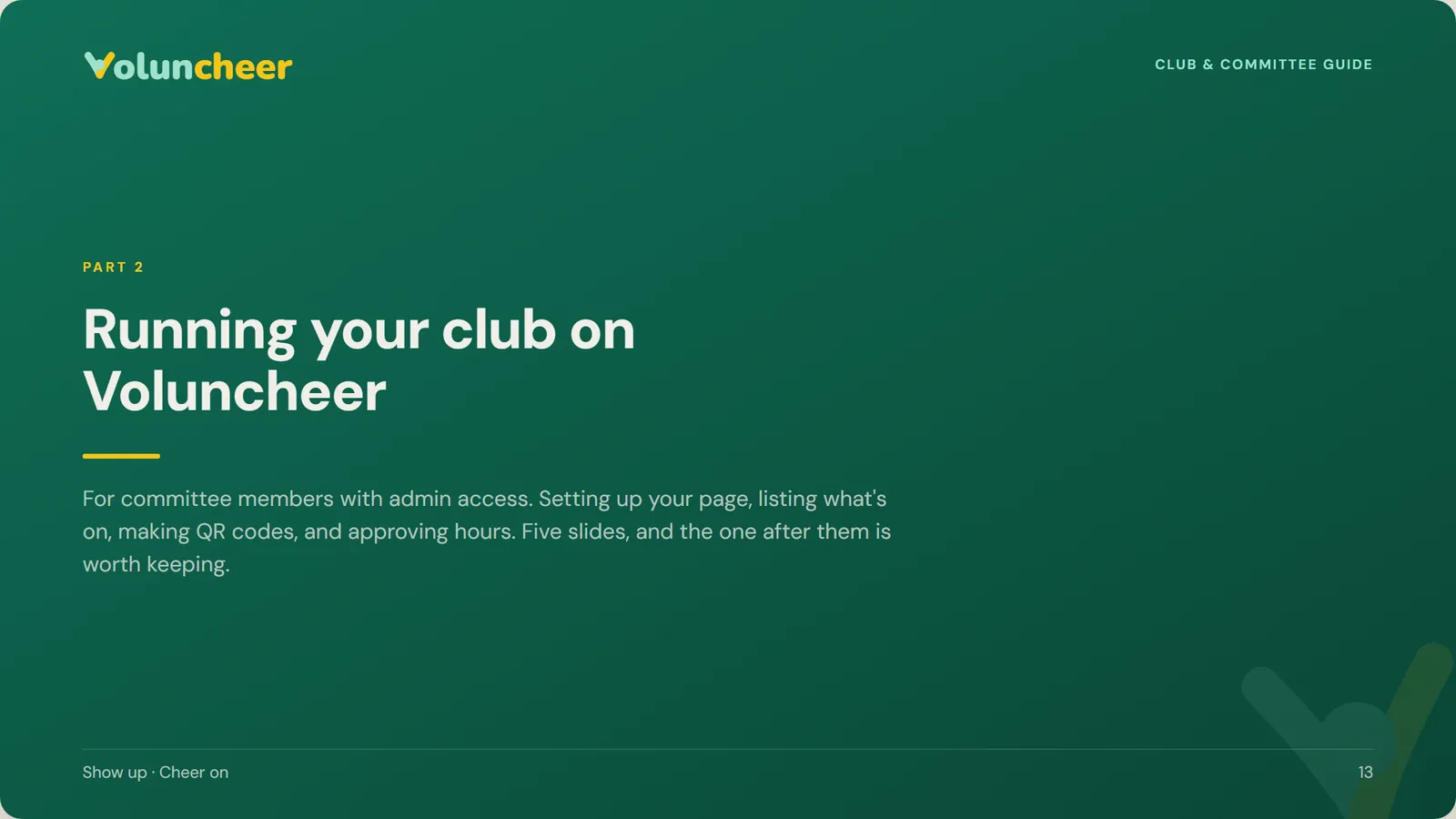
  13. Slide 13 of 21: Running your club on Voluncheer
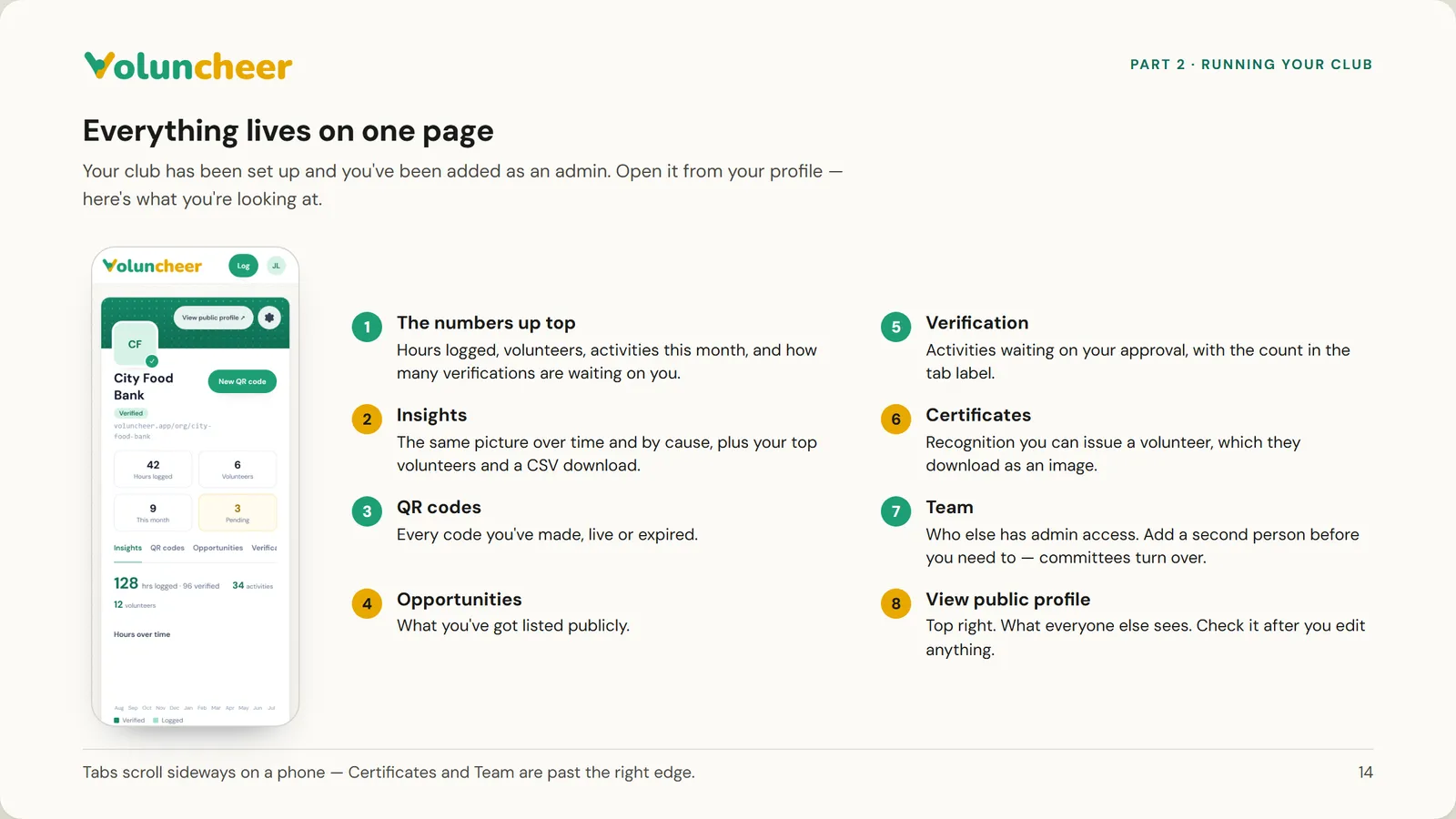
  14. Slide 14 of 21: Everything lives on one page
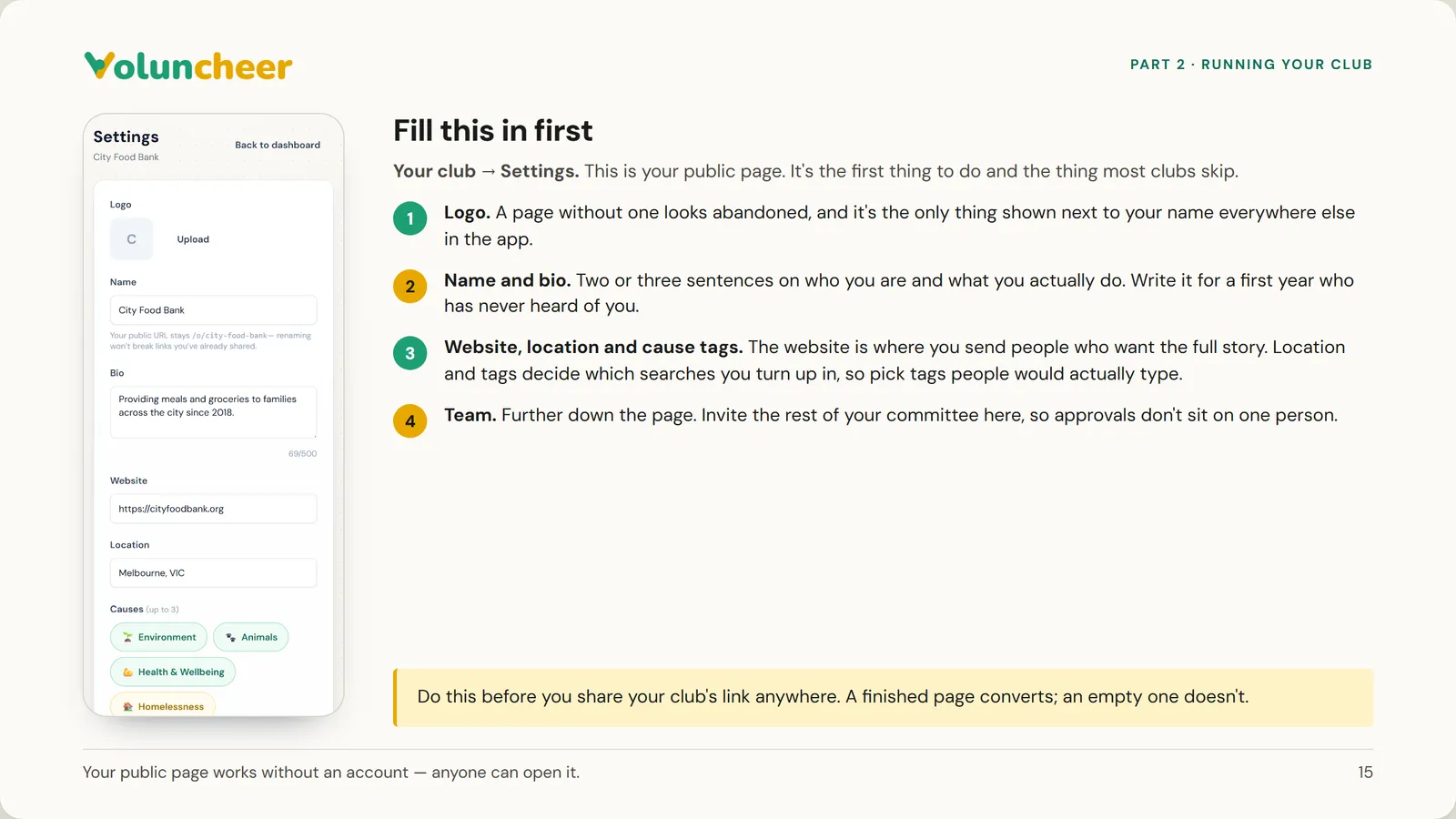
  15. Slide 15 of 21: Fill this in first
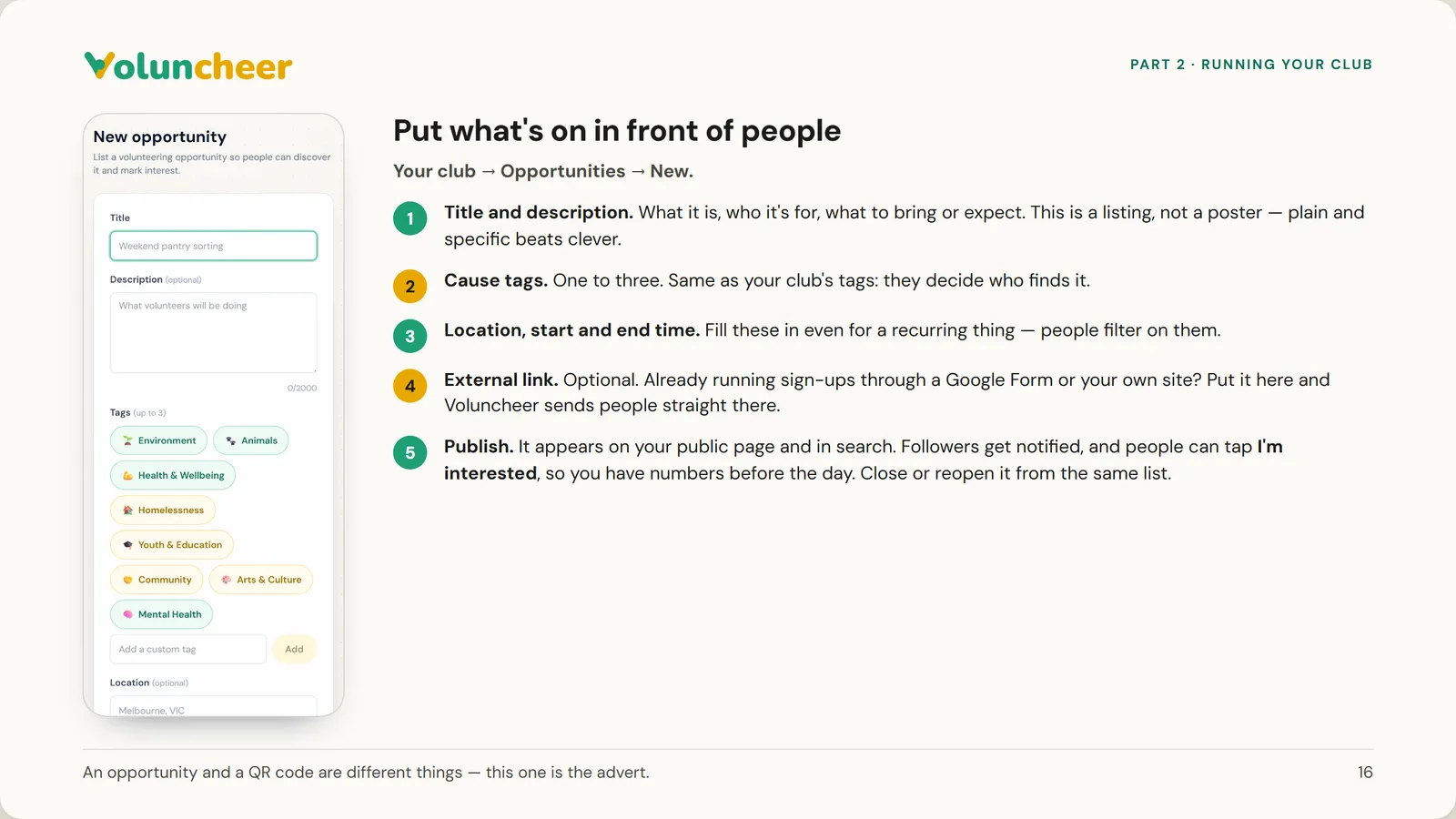
  16. Slide 16 of 21: Put what's on in front of people
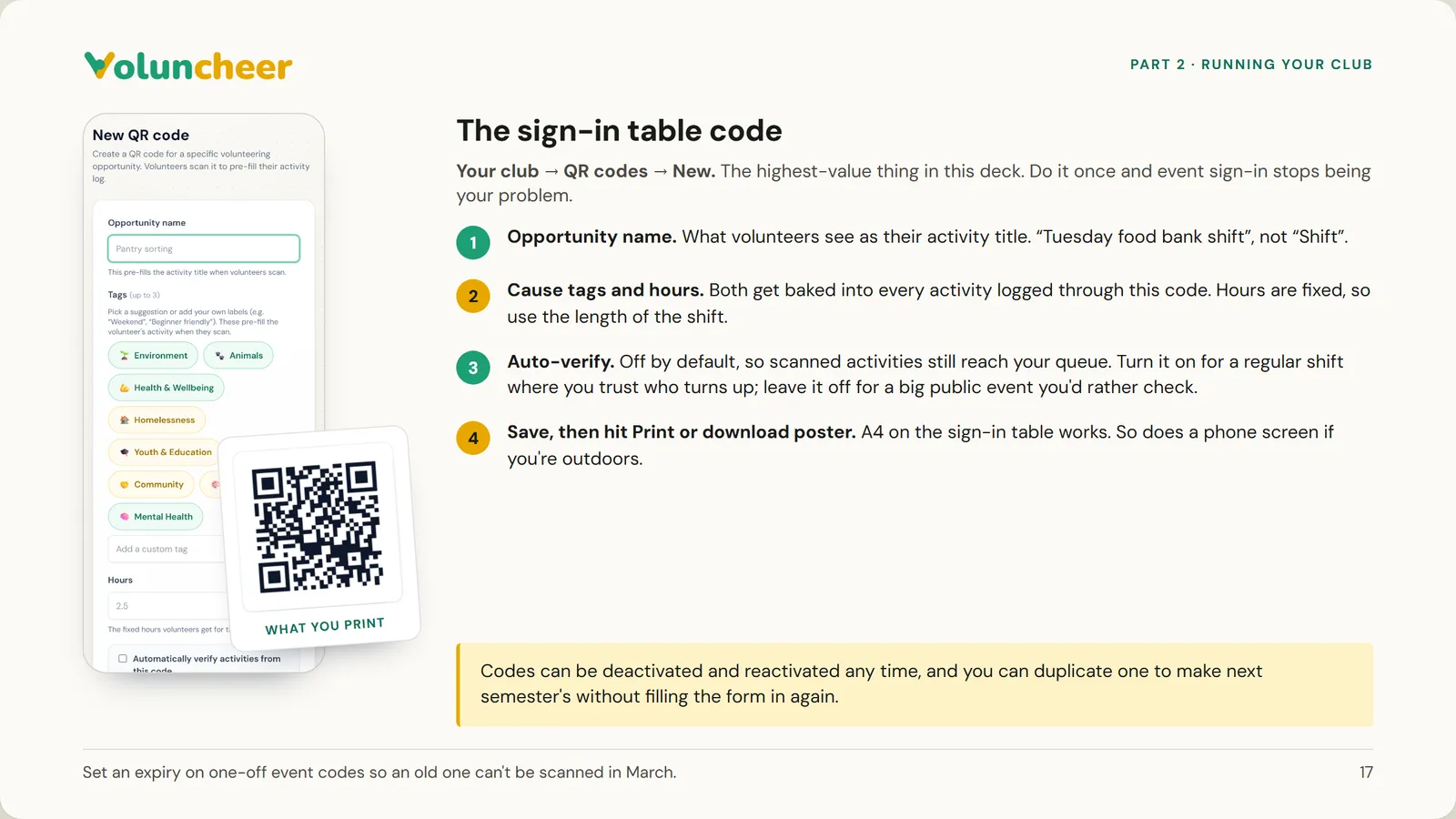
  17. Slide 17 of 21: The sign-in table code
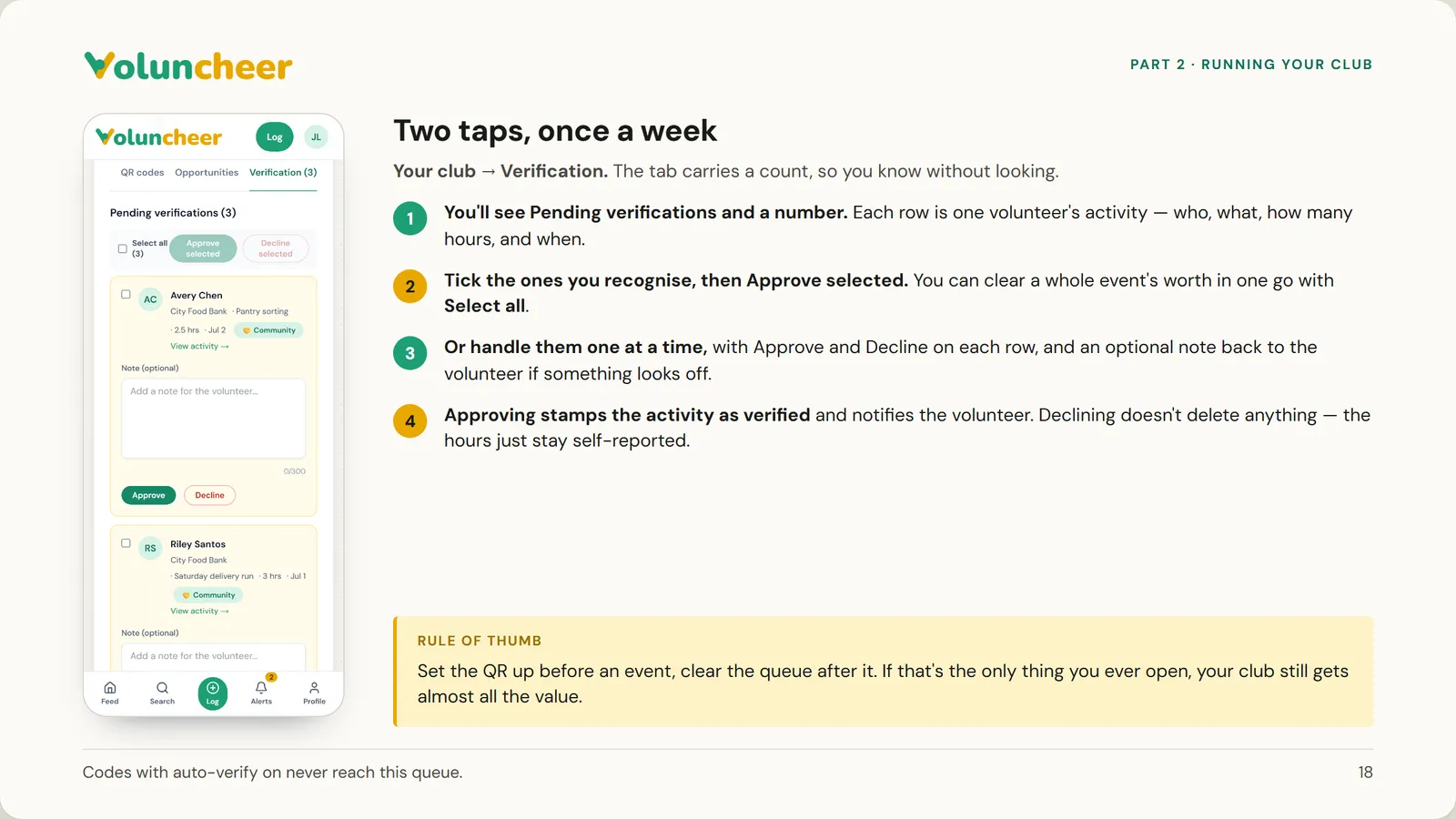
  18. Slide 18 of 21: Two taps, once a week
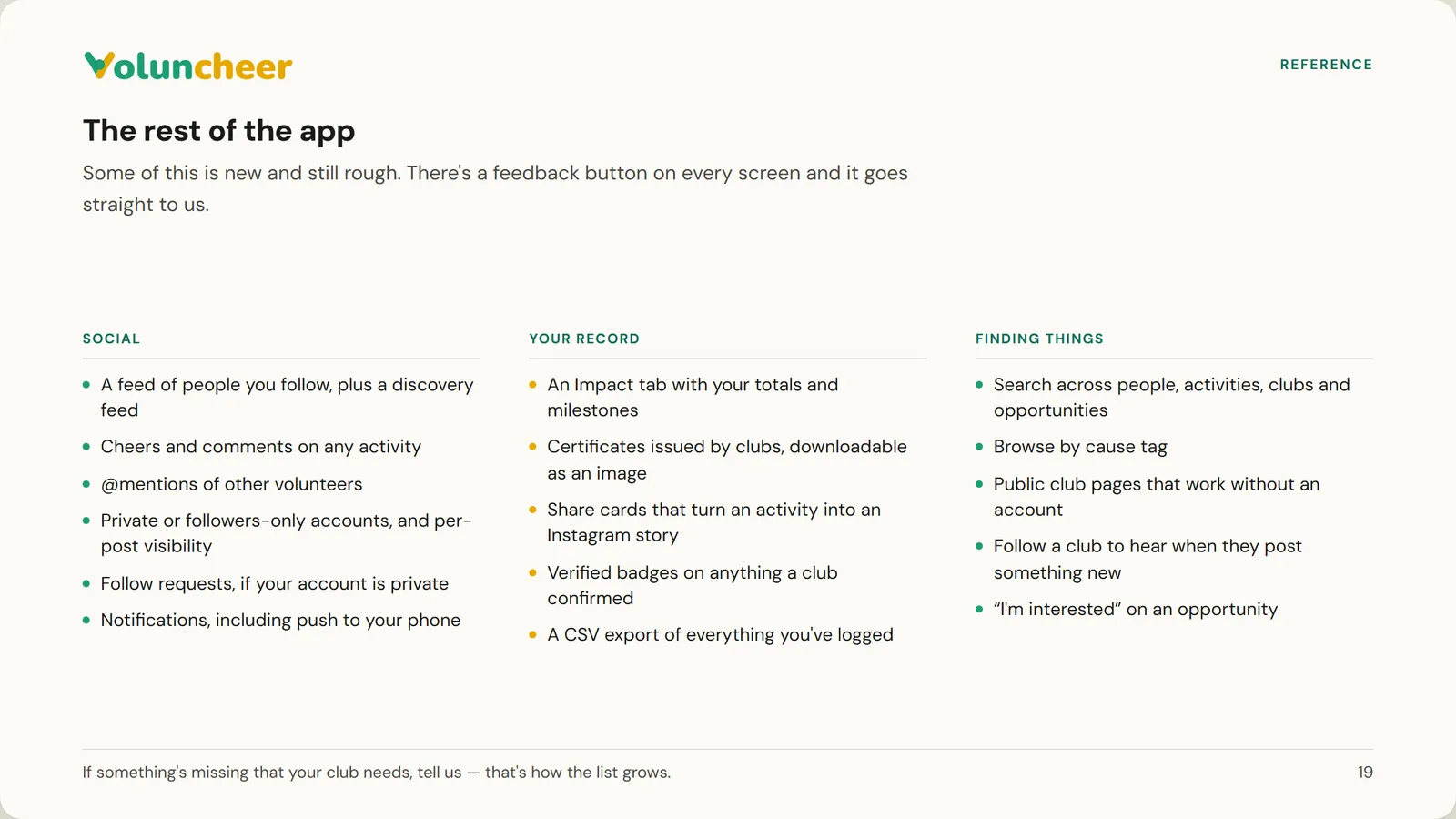
  19. Slide 19 of 21: The rest of the app
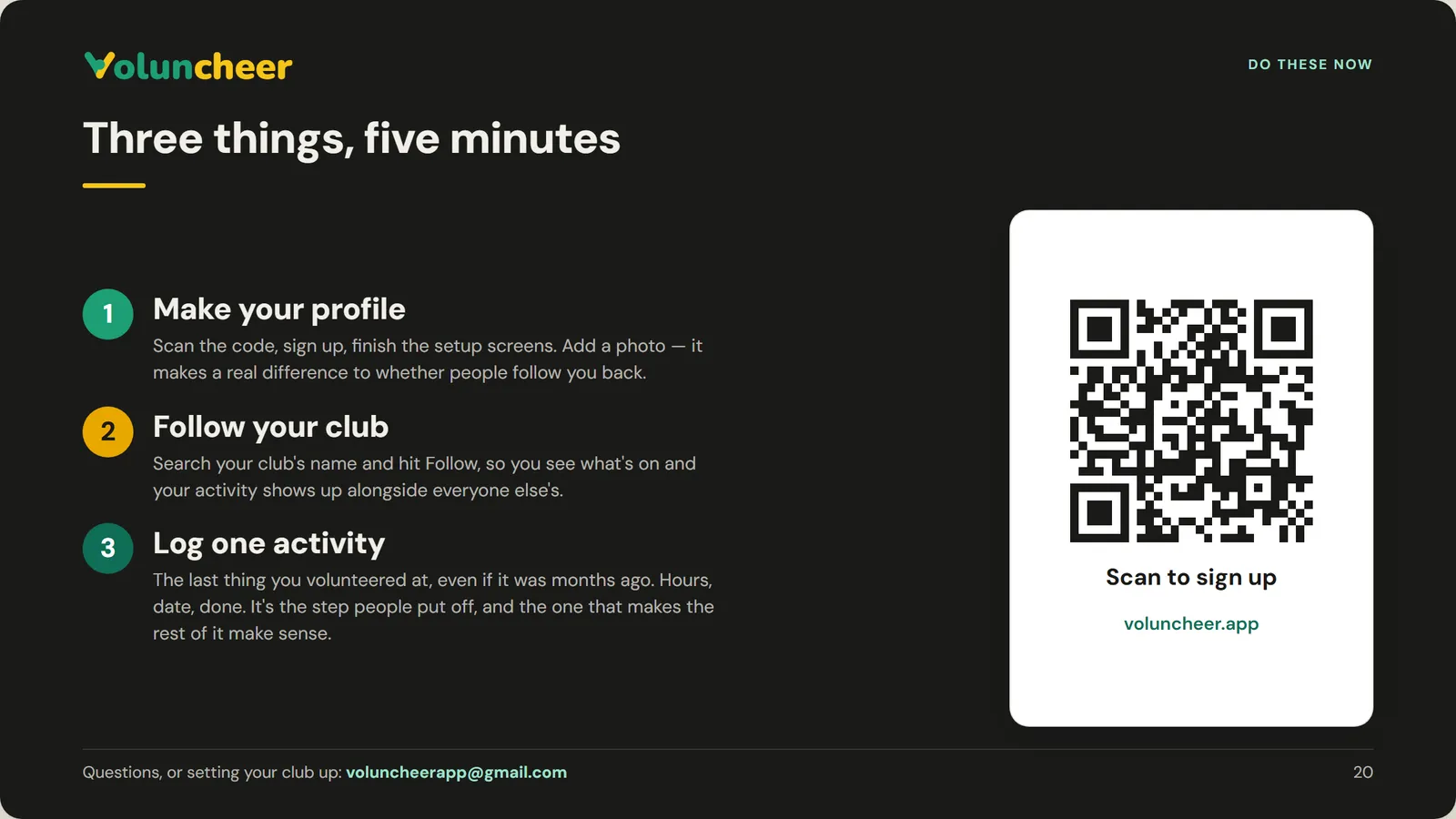
  20. Slide 20 of 21: Three things, five minutes
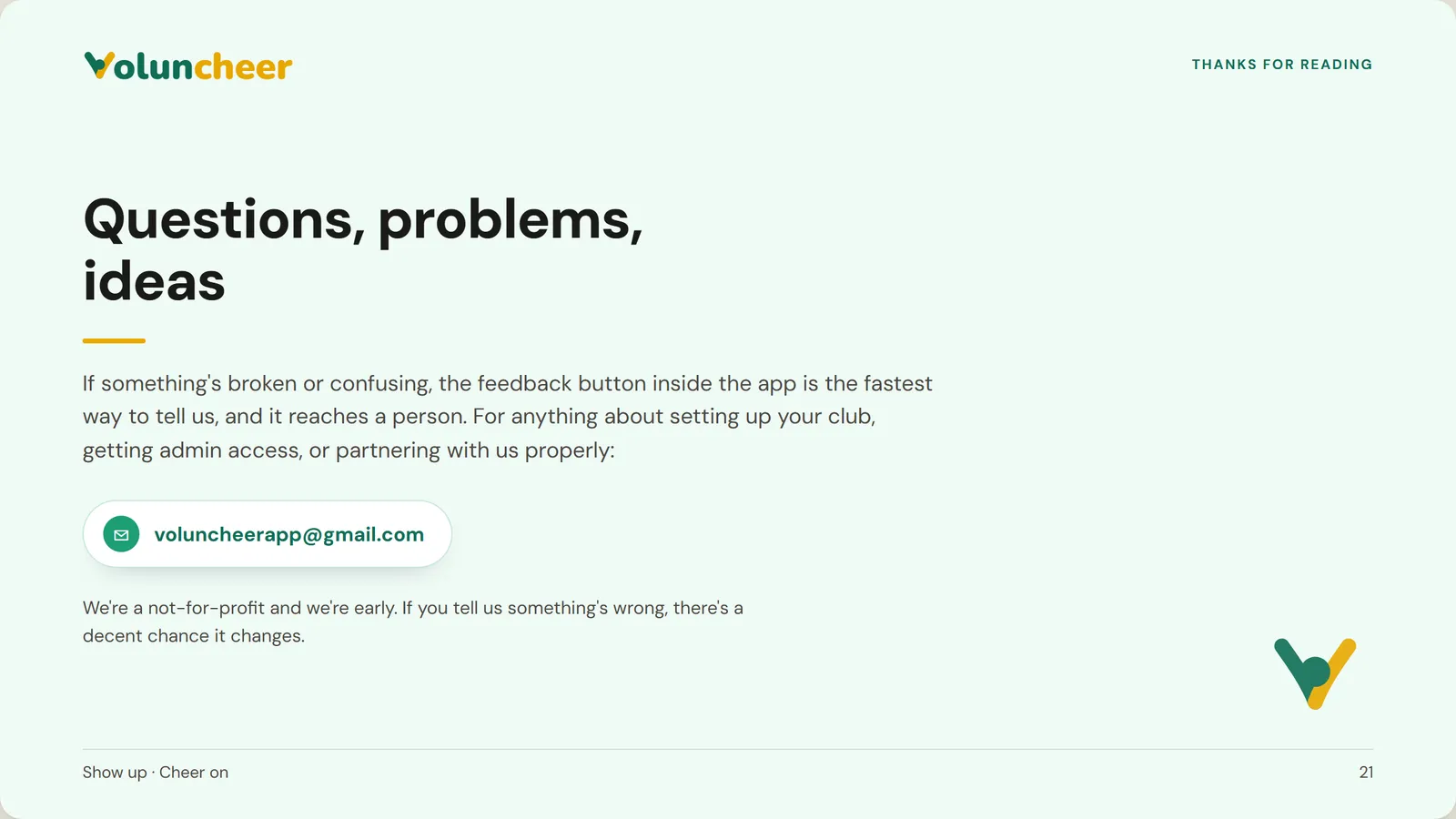
  21. Slide 21 of 21: Questions, problems, ideas